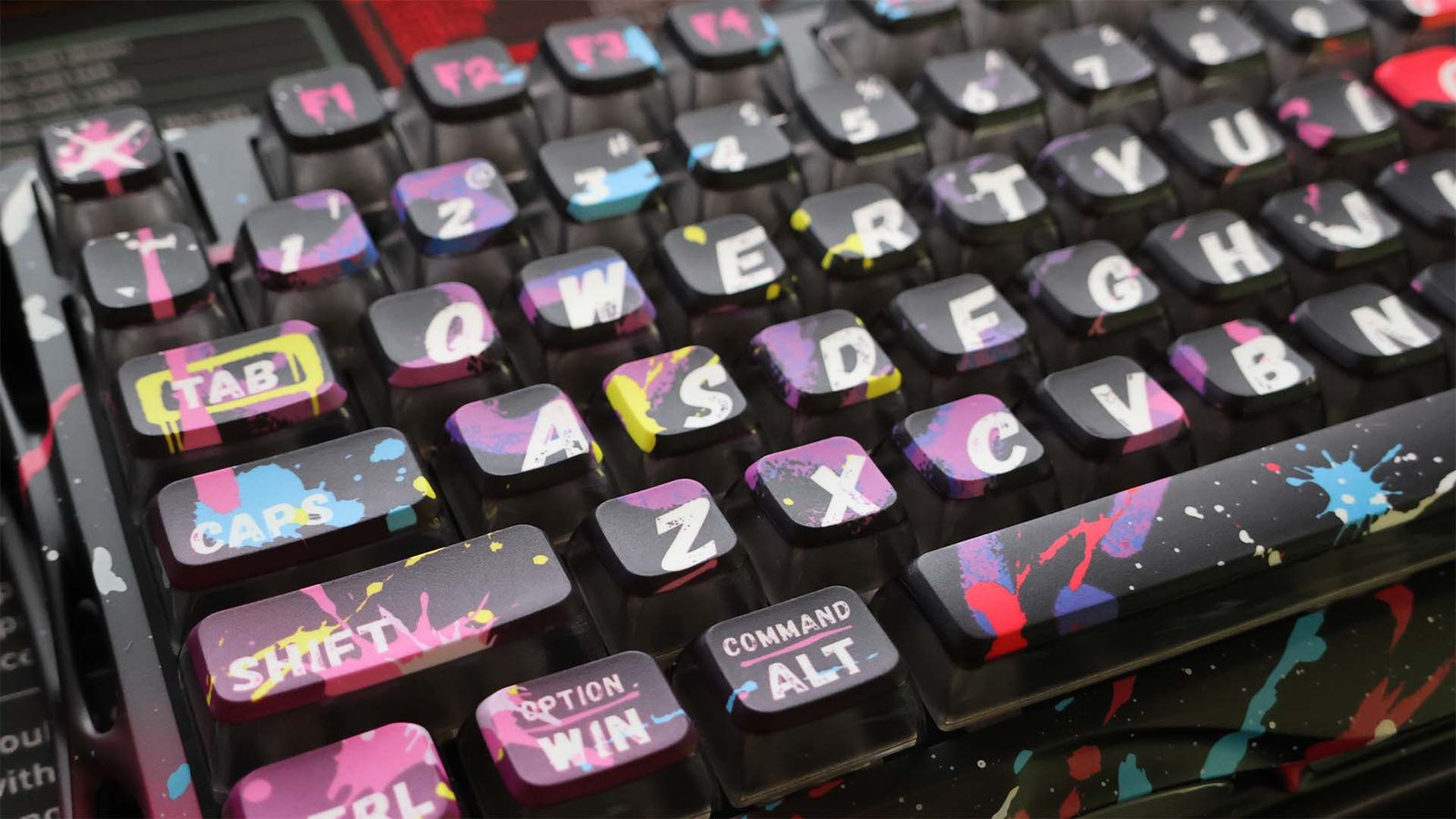

Keyboards are a very personal thing for computer users; while many people don’t really care too much, others like myself enjoy certain traits to a specific preference:
- The keycaps have a nice feel.
- The switches are tactical and responsive.
- The switch throw depth and audio feedback are to personal preference.
- Plus much more.
When the release of the GravaStar hardware came through a few weeks ago, it was something that caught my eye, particularly with the magnetic sensors in place of the traditional gaming switches in what is labelled as a Gaming keyboard.
HARDWARE AND CONNECTIVITY
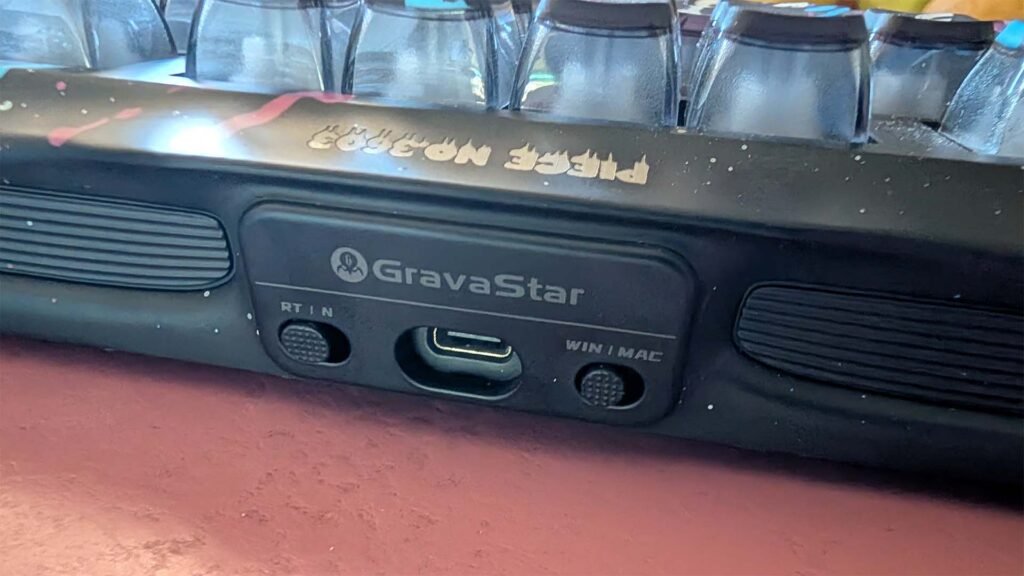
In reality, if you’ve got a USB input device these days that isn’t plug and play, that’s a complete failure somewhere along the way. This isn’t… As a user of multiple platforms, something that is really pleasing to me is the switch that changes your keyboard inputs from Windows to Mac, allowing some of the Mac functions to be utilised on the same keyboard I use for PC gaming.
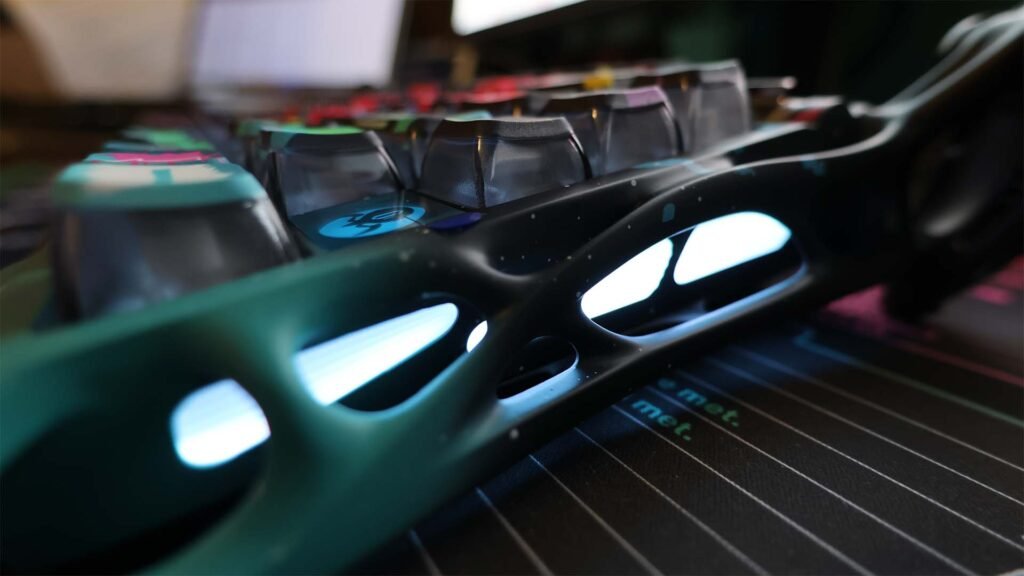
I already mentioned the magnetic sensors in place of the mechanical switches that many gamers are accustomed to, but don’t be fooled into thinking that there’s no feel to the keyboard, though. The keys still have quite a tactile feeling, similar — not identical — to that of red switches that a lot of big-name manufacturers use, but with a slightly lower activation pressure. Impressively, there is also adjustable trigger depth between 0.1mm and 3.5mm which (while not a low profile) keyboard gives excellent response and reduces response time in the heat of battle.
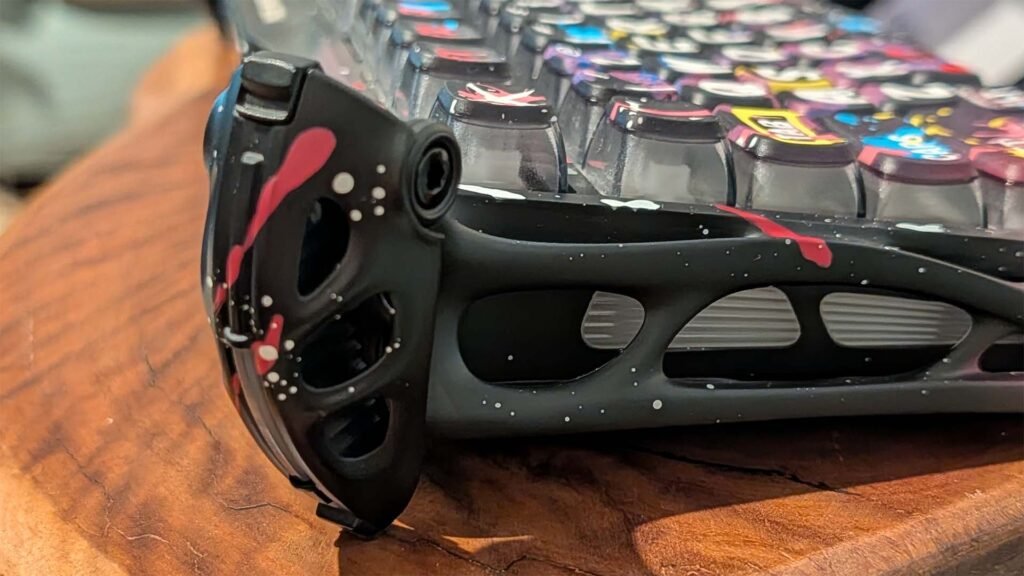
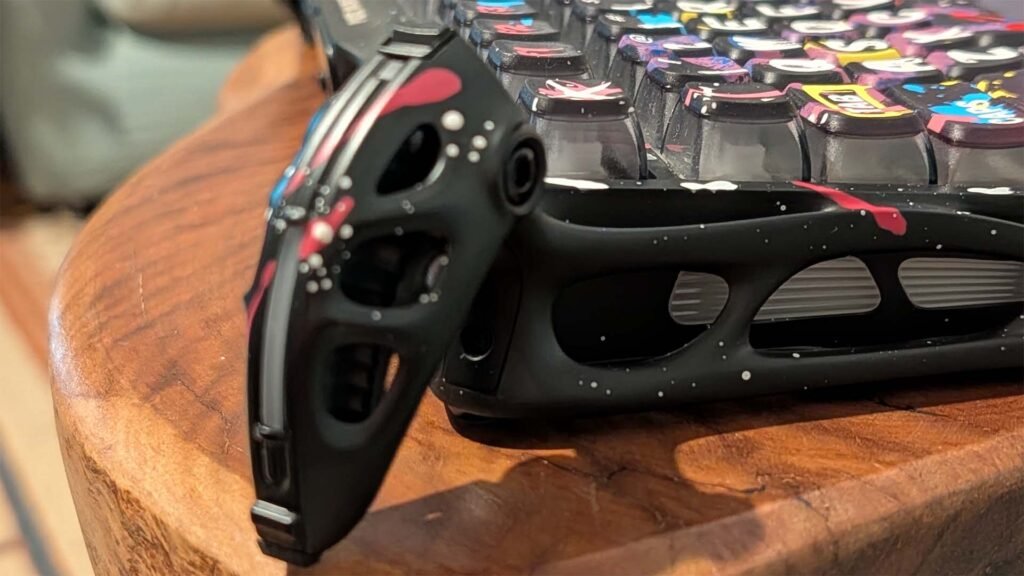
Looking more closely at the hardware, I’m fascinated daily by the mechanism GravaStar has chosen to raise the rear of the keyboard for users who like their keyboard slanted rear-to-front. It aligns with the company mantra of breaking away from the ordinary, merging cutting-edge tech and unique design.
See for yourself:
While there are plenty of ways to present it, I’m a fan of the volume rocker GravaStar used here. It’s simple, elegant and provides a visual that’s in line with the rest of the keyboard – almost industrial by look, but if it fits with the décor of your desk, then it’s going to be a big winner.
Looking a bit closer at the materials used in the build, you’ll start to get an idea of why it costs — a potential deal-breaker for some — what it does. Featuring a number of key hardware items ensuring both performance and longevity, there’s plenty to take note of here. It’s built in five layers: A forged plate, with PORON Sandwich Foam, then a switch pad, a sound-dampening pad, the PCB and finally a PORON base foam.
The unit weighs a substantial 1.6kg, adding to the feeling that it’s no toy…
The weight adds stability to the unit, even on heavy, sometimes stressful gaming sessions, and that’s a positive influence on the user experience.
USER EXPERIENCE: GAMING VS PRODUCTIVITY
As with any keyboard change, it takes a little bit of time to adjust to the different feel, throw length of the key for activation, the touch and the tactile sense for the keys. After a few days of thorough testing, I found that the V75 Pro has pretty seamlessly worked its way into not just my gaming, but also my work life, because I like the touch of the keys.
It’s worth noting that, as I usually work on a low-profile keyboard, the longer key throw took a little bit of getting used to. But once I had adjusted after a few days, the experience typing is really nice, the click of the keys is notable but not intrusive to your surroundings and you get that tactile feedback that typists like. Perhaps in a number-focused environment, the 75% build size (ie, no number pad) will present a problem, but that’s a fairly specific use case.
For those who like to choose your RGB lighting, there are a number of pre-programmed modes you can filter through (FN+\ for the keys and FN+Shift for the frame lights) to find one that’s to your liking. Personally, I like the colour waves, reactive to individual keypress or WASD keys illuminated options.
The GravaStar V75 Pro is simply a very nice keyboard with a good touch to it, and the hardware switches (Mac to Windows and the Gaming vs Productivity) make the necessary changes to make the necessary changes to the user experience for your current activities.
PRICING AND AVAILABILITY
There are three models of the GravaStar Hall Effect Mercury V75 Pro:
- Neon Graffiti costs $459.99
- Cyberpunk costs $429.99
- Iron Purple costs $429.99
All three are available through Clever House Online and are shipping immediately.
CONCLUSION
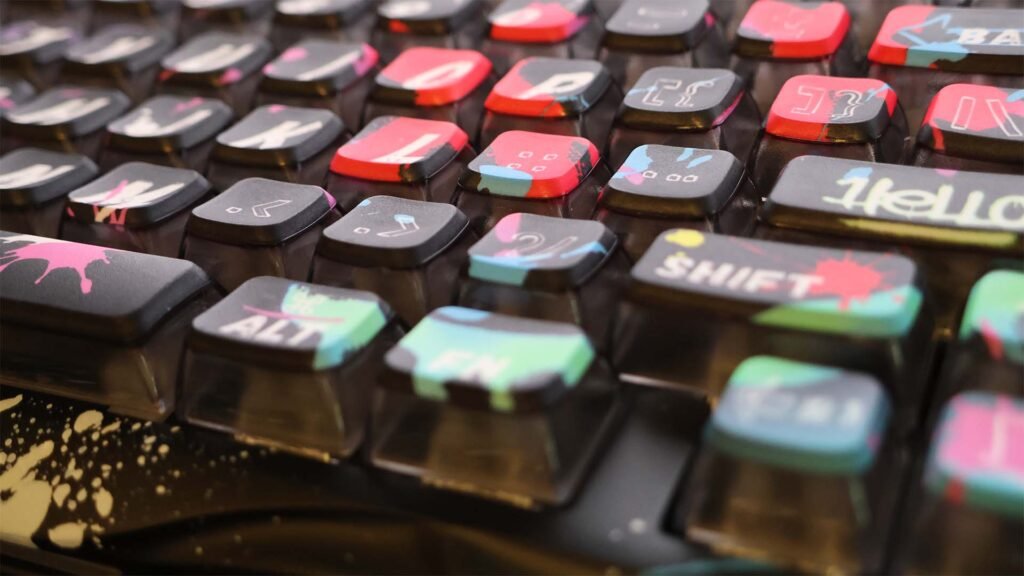
The look of the keyboard isn’t for everyone, whether it’s the unique design of the claws that tilt the keyboard, or the coloured designs that catch your eye. If you find one of the aesthetics that is to your taste, there’s a lot to like about the GravaStar V75 Pro.
The look of the unit is very distinct but you’ve got to admit it is pretty cool. The touch of the keys — like any keyboard that’s a change from what you’re used to — does take some getting used to, but it’s not a huge adjustment from one with mechanical switches, and the cross platform compatibility makes the GravaStar V75 Pro a pretty solid choice for a lot of users.
Despite having several other very high-quality keyboards available to me, I found myself drawn back to the V75 Pro. I can’t put my finger on it, but there’s something not just technically interesting about it, but the keyboard is just fun to use.