

IN THE 360 VIDEO ABOVE MAKE SURE YOU SELECT THE HIGHEST RESOLUTION POSSIBLE FOR THE BEST EXPERIENCE
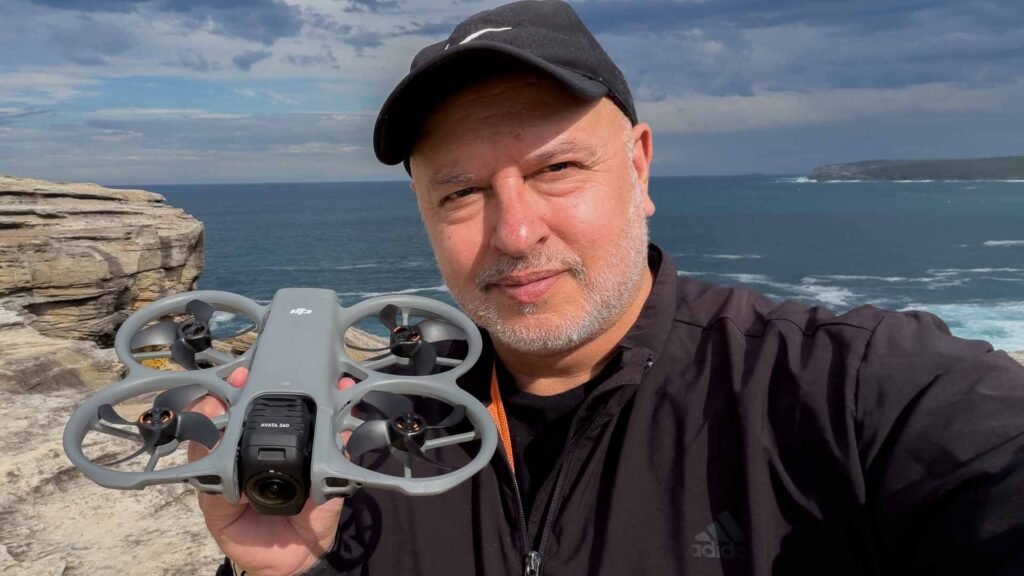
After weeks of teasing, DJI has released the full specs and features of its new 8K 360-degree dual-camera drone, the Avata 360. It’s something I’ve been waiting for because back in the day, I had to make my own lightweight 360 drone solution without using a stack of GoPros bundled together.
Now, DJI has done it for me, including removing the drone from the recording.
The Avata 360’s 8K resolution and high frame rate, 60fps/HDR (120mp stills), mean we are getting a pretty sharp image. Keep in mind that 8K covers the whole sphere. So zoom in too far, and you’ll start seeing pixels. But I found that in good light, this drone was capable of producing excellent image quality.
I’ve been testing the Avata 360 with the RC2 controller, which also allows for subject tracking. It is very responsive. The O4+ video transmission system and obstacle sensing give you great confidence when flying. When it comes time to edit, you can do all the fancy moves you want without the skills of a gun FPV pilot.
KEY FEATURES
- Spotlight Free – Locks onto a moving subject and assists with camera movement. By comparison, Spotlight locks onto your subject’s face to effortlessly capture Circle or Dronie shots without manual adjustments.
- ActiveTrack 360° – Automatically selects the optimal tracking mode. For example, Standard mode maintains a steady distance and altitude relative to the subject. Meanwhile, Cycling mode reacts faster to turns and keeps the subject in frame even in complex environments.
- FPV mode – Enables new pilots to add a natural roll effect to Spotlight Free, ActiveTrack 360°, and manual flights to create dynamic, high-speed FPV-style footage. This mode can be applied in post-production.
- Intelligent Tracking – Powered by advanced algorithms, the DJI Fly and DJI Studio apps make it easy to lock onto and smoothly track people, vehicles, pets, and more, even in 360° footage.
- New One-Tap In-App Editing – With GyroFrame, 360° footage can be adjusted to an ideal angle and exported in the DJI Fly app. Both DJI Fly and DJI Studio allow camera movement effects to be added.
- Virtual Gimbal – Uses a 360° view to enable infinite rotation and tilt for dynamic camera moves. Even when flying in one direction, horizons can be rotated, and perspectives can be shifted to look back or perform a flip.
- Replaceable Front Lens Element – The front element features a replaceable design. Purchase a replacement lens kit with tools, and you can easily replace the old lens yourself – no need to send it in for repair.
- 42GB Internal Storage and High-Speed Transfers – With 42GB of internal storage, 30 minutes of 360° video in 8K without a microSD card. Using Wi-Fi 6 High-Speed Transfer, 1 GB of footage can be transferred to the DJI Fly app in 10 seconds at up to 100 MB/s.
THE CAMERAS
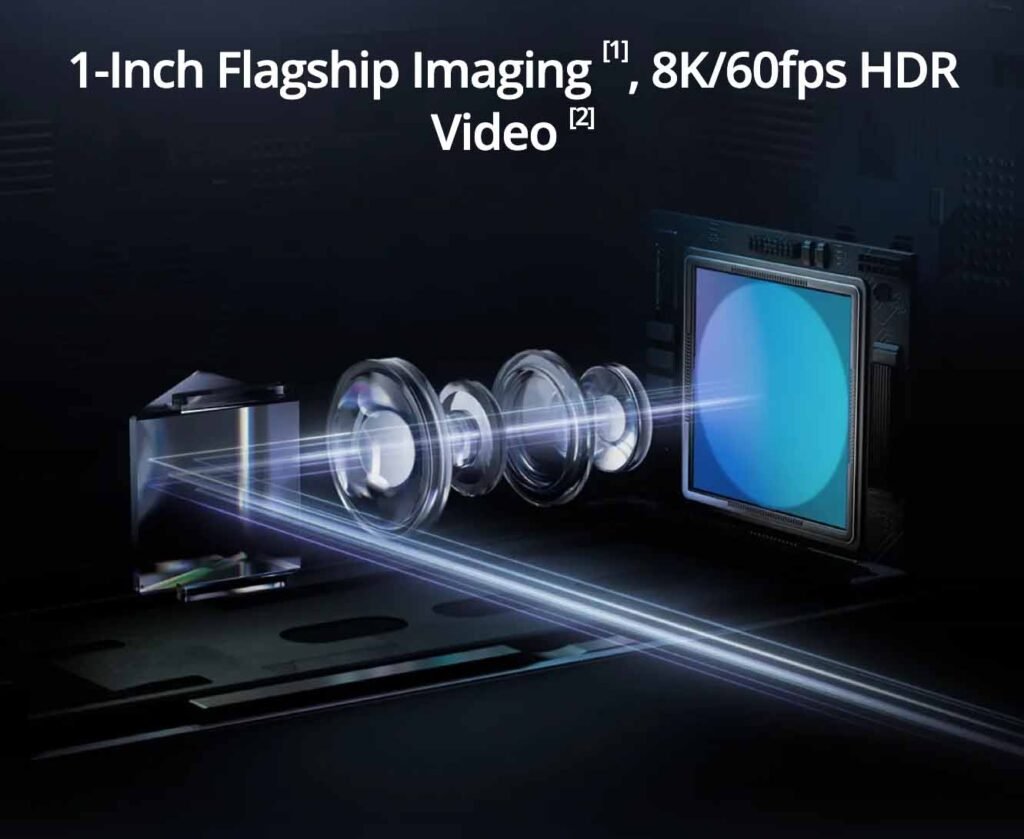
The dual 1/1.1-inch 64MP CMOS sensors face up and down during flight. The pilot can see the stitched 360 image in real time. This is especially thrilling with DJI goggles and motion controllers. Keep in mind that you can’t do this outside in Australia without CASA approval.
The pixels are large at 2.4 μm and that helps to combat darker scenes but it can’t perform miracles and noise reduction is available in the PC app and phone app.
The Single Lens mode allows creators to use the Avatar-style filming in 4K/60fps.
OPERATION
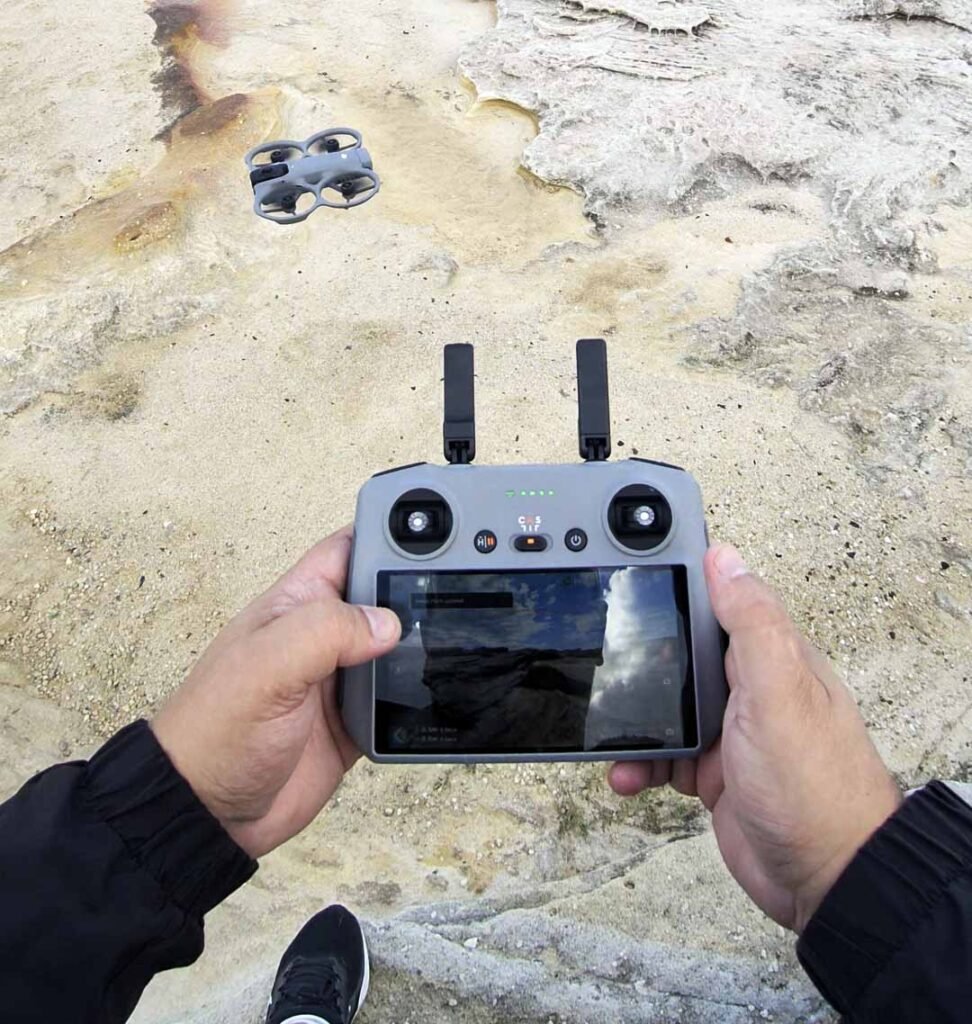
I had no issue with the O4+ video transmission. The video feed was unbroken each time I put the Avata 360 up in the air. The range is up to 20 km, but if it goes that far, you better have good eyes.
The Avata 360 can fly up to 23 minutes, but this varies depending on wind. It definitely pays to get the Fly More Combo with the extra batteries. It’s also very clever, as it takes off, the cameras rotate into position, facing up and down. When the drone lands, the cameras rotate sideways so the lenses are protected.
The Avata 360 includes nightscape omnidirectional obstacle sensing and integrated propeller guards. If damaged, the camera lens can be easily replaced with the DJI Avata 360 replacement lens kit with tools (sold separately). This is a big deal, and it’s greatly appreciated.
The drone can be flown with the DJI remote controllers (RC 2, RC-N2, RC-N3). Like the Avata 2, aerial acrobatics like drifting can be performed – even by beginners – with the DJI RC Motion 3.
OUTPUT
Although you can produce an 8K 360 video that can be viewed on a headset or moved around on a screen, the best output from the Avata 360 will be a 2D edit.
The better the original recording, the better your edit will look. The two cameras cover everything in the scene you are shooting, so by adding dynamic camera moves in post, you are able to give the impression you had super fast FPV skills in the air.
I would advise against ‘punching in’ too tight in the edit. As I mentioned above, you’ll start to stress the image by going too far in. I find the best results are when you stay wide. These combined lenses give you a unique, super-wide view. This includes a lot more of the sky. Shoot up is a problem for many drones, but not this one.
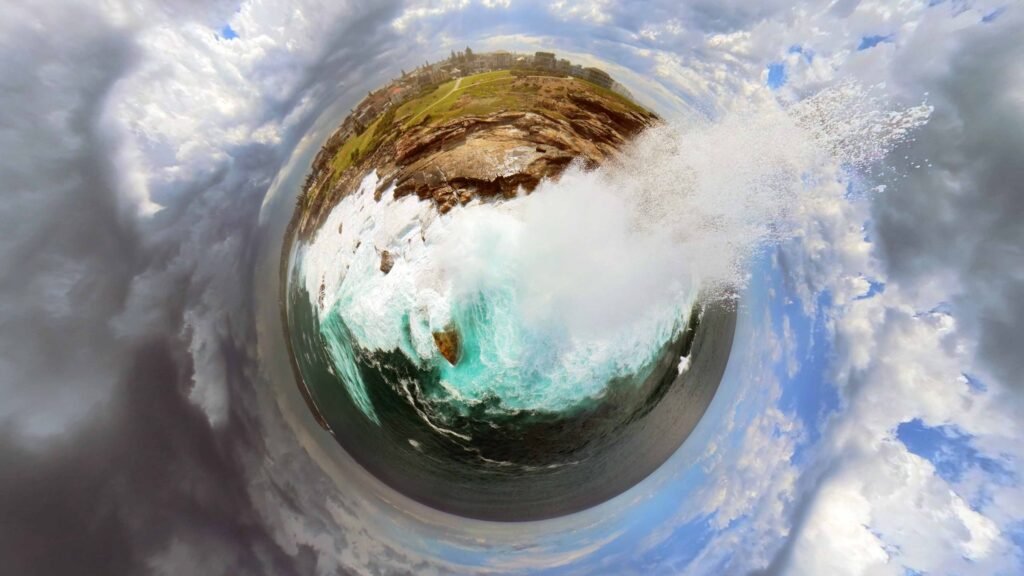
I love tiny planet shots, when you pull right out and the subject takes the form of a small world. I particularly like this one below with the wave rising up and reaching the lens. You can get some insanely distorted images, but it’s easy to overdo it.
MORE REVIEW VIDEOS COMING
Aside from the video at the head of this story, we’ll be covering the Avata 360 on Sky News Australia this Sunday and in several follow-up videos.
There are so many things you can do with this drone, and I’ve only scratched the surface.
PRICING AND AVAILABILITY
DJI Avata 360 is available for pre-order now through store.dji.com/au and authorised retailers.
Shipping begins in April 2026.
- DJI Avata 360 (Drone Only) retails for $799 AUD
- DJI Avata 360 (DJI RC 2) retails for $1159 AUD
- DJI Avata 360 Fly More Combo (DJI RC 2) retails for $1619 AUD
- DJI Avata 360 Motion Fly More Combo retails for $1619 AUD