
TCL is probably a name most people associate with televisions rather than PC monitors, but that is beginning to change. The company has expanded its Australian monitor range, and sitting towards the top is the TCL 32R84, a 32-inch QD-Mini LED display that brings some genuinely impressive specifications to the desktop.
The Hardware
This isn’t simply a big 4K office monitor, either. The 32R84 combines a 3840 x 2160 resolution with a 165Hz refresh rate, 1ms response time and 1,400 local dimming zones. Add DisplayHDR 1400 certification, USB-C with 90W Power Delivery and a built-in KVM, and TCL has created something that could potentially replace several pieces of hardware on your desk.
It’s competing in a market where OLED gaming monitors are increasingly common, making the question less about whether the TCL is a good monitor and more about whether QD-Mini LED offers enough advantages to justify choosing it instead.
Design and Setup
At 32 inches, the 32R84 is a substantial monitor, particularly if you’re coming from a 24 or 27-inch display. Personally, I’ve found 32 inches to be something of a sweet spot for 4K. There’s enough physical screen space to make the extra resolution useful without the monitor completely overwhelming a normal workspace.
The design itself is relatively restrained from the front, although TCL has added customisable lighting around the back for those who want a little more pizzazz from their gaming setup.
More importantly, the stand offers the adjustability you’d expect at this price. It offers 125mm of height adjustment, plus tilt, swivel, and 90-degree pivot support. VESA mounting is also available if you prefer using a monitor arm.
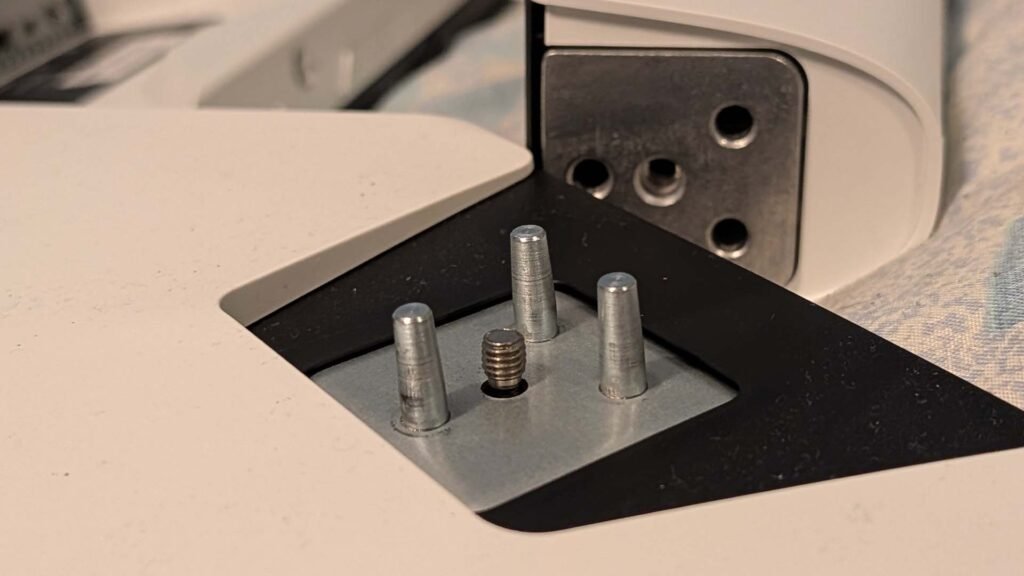
Personally, I go with the stock install, and that was really quick. The stand just clipped into place; the connectivity is really well labelled. Within a few minutes of unboxing, I was online, enjoying the screen space and the easy-on-the-eyes quality of the panel. I was particularly fond of how easily the screen adjusts in terms of height, tilt and swivel, while holding the position too.
The display is where things get interesting
Unlike a conventional LCD monitor where comparatively large sections of the display share the same backlight, Mini LED uses a much larger number of individually controlled lighting zones. TCL has packed 1,400 local dimming zones into the 32R84, allowing much finer control over which parts of the screen are illuminated.
That matters particularly when displaying scenes containing both very dark and very bright elements.
OLED still has an inherent advantage here because every pixel can switch itself completely off. Mini LED can’t quite achieve that level of precision, and blooming around bright objects against a black background remains something worth looking for. However, 1,400 zones across a 32-inch screen gives the TCL considerably finer control than a conventional LED display.
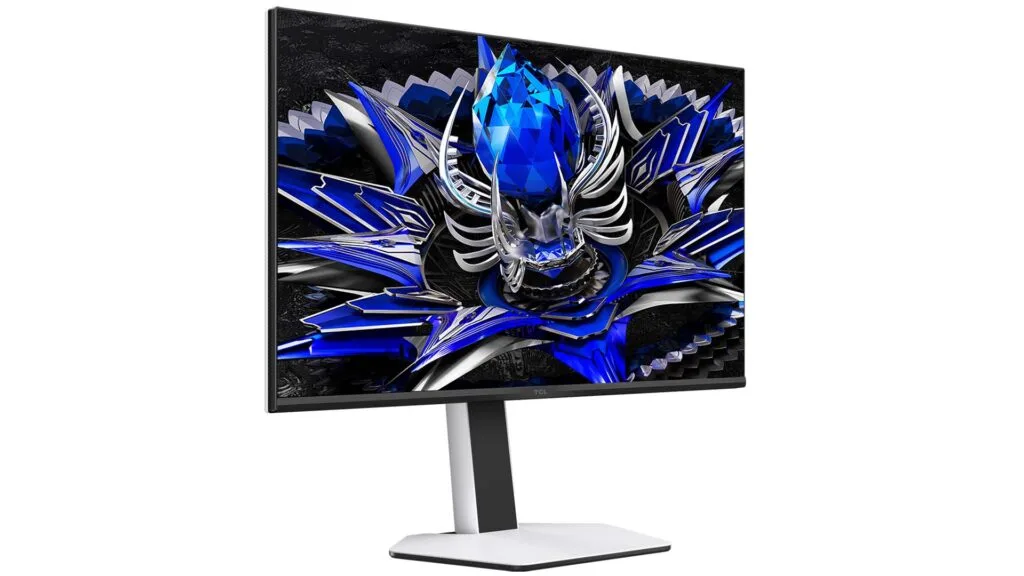
The 32R84 carries VESA DisplayHDR 1400 certification, and TCL lists peak brightness at up to 1,500 nits. That’s serious brightness for something sitting a metre or less from your face, but more importantly it gives HDR content plenty of room for bright highlights.
There are absolutely times when I have thought an OLED would be better, particularly in certain games when a deep, true black would improve the experience. But where there are a few minor downsides there’s just as many upsides too. As someone who dabbles across so many areas of the technology world, colour reproduction is important to me and the panel really ticks the box there. Combining this with 4K resolution and you’re on a winner.
4K and 165Hz is a Powerful Combination for Gaming
Resolution and refresh rate have traditionally involved some compromise. Higher-resolution monitors were great for productivity but often limited to 60Hz, while high-refresh gaming monitors frequently required dropping down to 1440p or 1080p.
The 32R84 runs at 3840 x 2160 at up to 165Hz, backed by a claimed 1ms GtG response time and FreeSync Premium support. It’s worth noting, though, that these features need to be enabled on the monitor’s menu system.
For everyday desktop use, 4K at 32 inches provides plenty of workspace while keeping text and interface elements extremely sharp. Even outside gaming, moving from 60Hz to 165Hz makes scrolling, window movement and general interaction feel noticeably smoother.
Gaming is where that combination really starts to make sense.
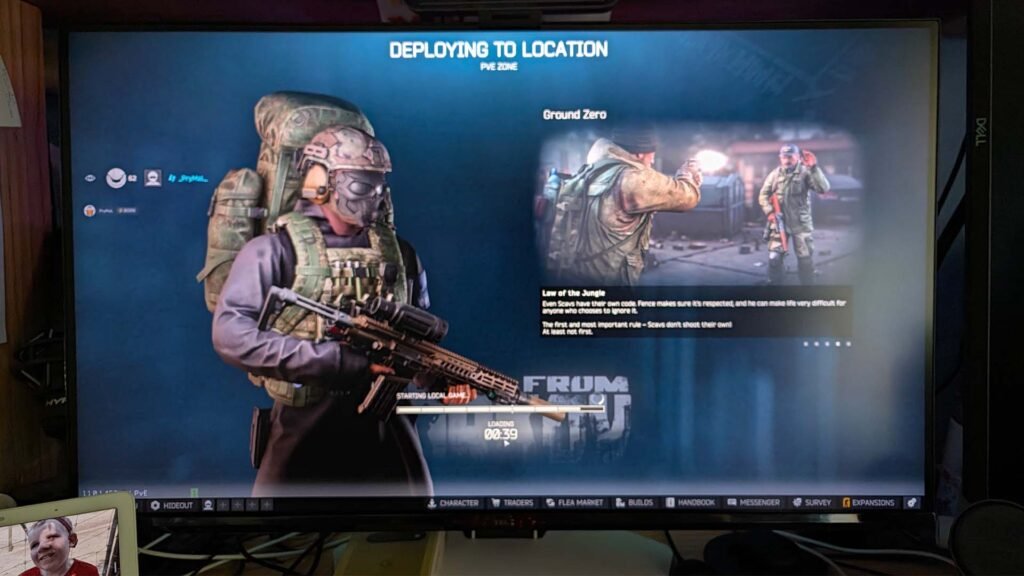
So, my gaming PC is getting on a bit and isn’t capable of running all the latest games at full 4K resolution. But that really didn’t matter to the general experience I had with this monitor. The combination of the high resolution and the refresh rate provided a liquid smooth gaming experience.
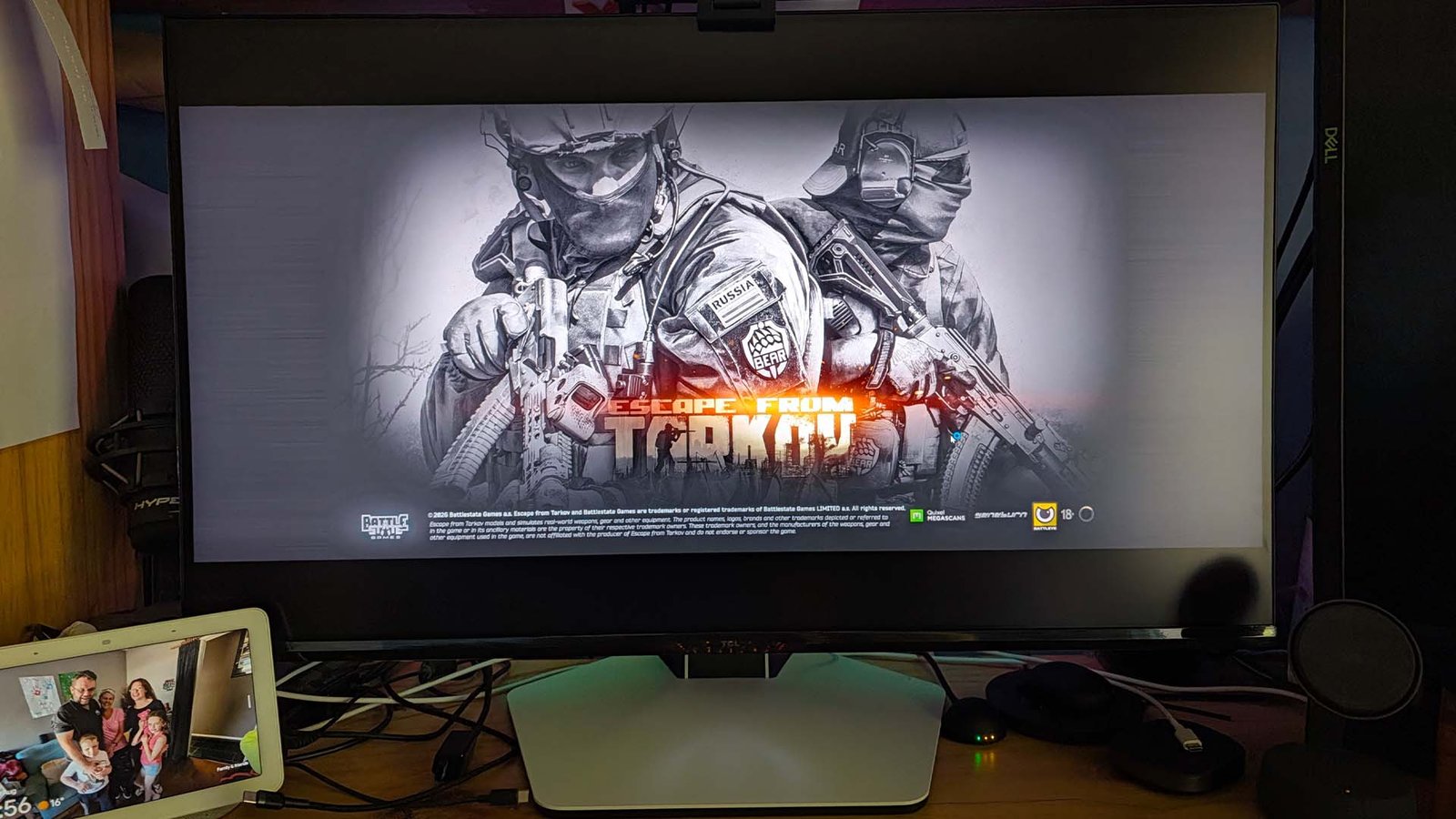
Fast-paced games like Call of Duty, Escape from Tarkov, Counter-Strike, and even older titles like Team Fortress 2 took a step up in playability with the smoothness of the display. Particularly at my age, any advantage you can get in competitive games is welcome… I’m not getting any faster, that’s for sure.
Of course, running modern AAA games at 4K and anywhere near 165fps requires substantial GPU horsepower. The monitor may be capable of 165Hz, but whether you’ll actually see those frame rates depends heavily on your hardware and the games you’re playing. That’s not a criticism of the monitor. If anything, it means there’s considerable performance headroom available as GPUs continue to improve.
More than just a gaming monitor
One of the things I particularly like about the specification of the 32R84 is that TCL hasn’t treated connectivity as an afterthought.
There are two HDMI 2.1 inputs alongside DisplayPort 1.4 and USB-C. The USB-C connection supports up to 90W Power Delivery, which immediately makes the monitor more useful for anyone regularly moving between a desktop and laptop.
Connect a compatible laptop using USB-C, and a single cable can handle the display connection while simultaneously charging the computer.
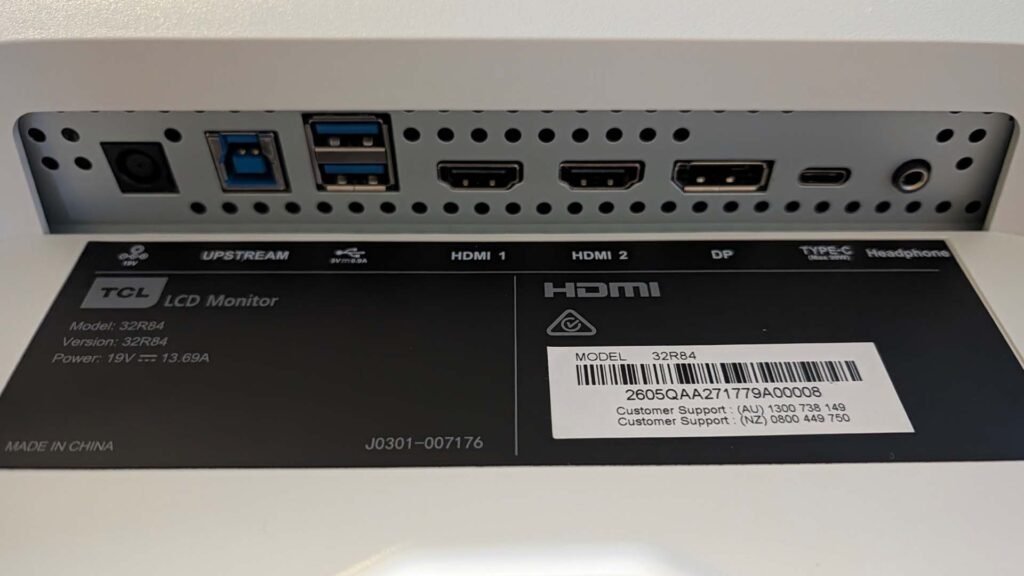
TCL has also included two USB-A 3.0 ports, USB-B upstream connectivity and a built-in KVM switch. This allows a keyboard and mouse connected to the monitor to be shared between two computers.
It’s the kind of feature that doesn’t look particularly exciting on a specification sheet, but can make a significant difference to how clean and practical a desk setup becomes. I had to very specifically make the effort to use this feature, because I have a dock on my desk — review coming very soon — that is excellent, and provides a full suite of connectivity. Aside from some of the more “nice to have” items like card reader and Ethernet, there wasn’t anything I missed.
There are also built-in 3W stereo speakers. They’re unlikely to replace a decent set of desktop speakers or headphones, but having integrated audio is useful for video calls, YouTube or situations where you simply don’t want another device sitting on the desk.
Mini LED versus OLED
Anyone considering the TCL 32R84 is inevitably going to encounter OLED alternatives, and there are good reasons why OLED has become so popular among gamers. Perfect blacks, pixel-level illumination and extremely fast response times remain significant strengths.
Mini LED offers a different set of compromises.
The 32R84 can’t switch individual pixels off like OLED, but its 1,400 local dimming zones allow it to get considerably closer to that experience than a traditional LCD monitor. In exchange, it can produce exceptionally bright HDR highlights and doesn’t carry the same concerns around static desktop elements and long-term OLED burn-in.
For someone using their monitor purely for gaming and media consumption, OLED remains extremely compelling.
For a monitor that’s potentially going to spend eight hours displaying spreadsheets, browsers, dashboards and documents before switching over to gaming at night, Mini LED starts making considerably more sense.
And that might ultimately be the strongest argument for the 32R84.
Pricing and Availability
The TCL 32R84 is available through Harvey Norman nationwide for A$1698
Conclusion
The TCL 32R84 is an interesting introduction to TCL’s higher-end gaming monitors in Australia.
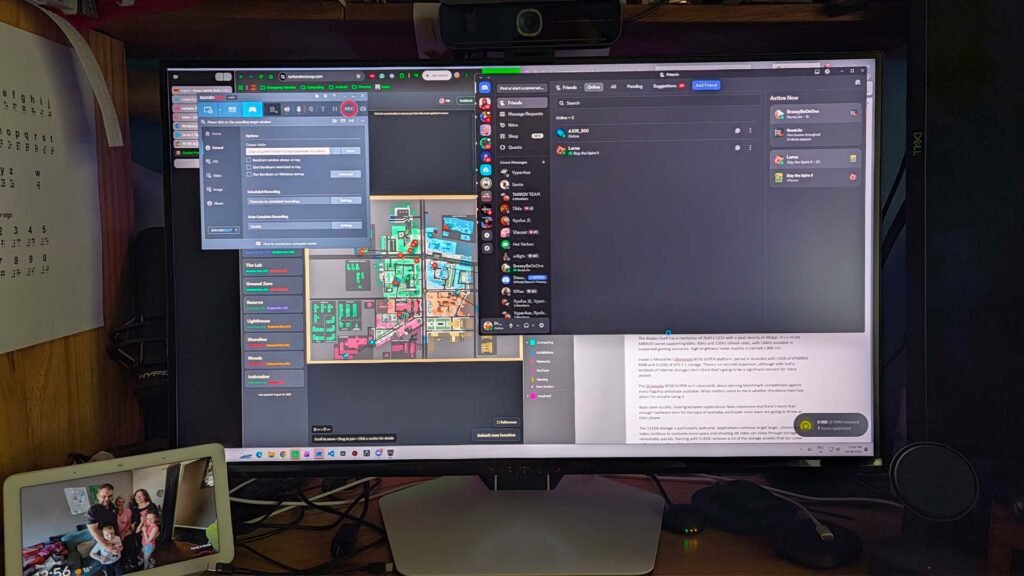
Rather than simply chasing refresh-rate numbers, TCL has built something that attempts to work equally well as a gaming monitor, productivity display and laptop dock.
The combination of a 32-inch 4K panel, 165Hz refresh rate, 1,400-zone QD-Mini LED backlight and extremely high HDR brightness provides the foundations for an impressive display. USB-C charging and the integrated USB Connectivity make it considerably more practical for everyday use.
The price means it needs to be good, particularly with excellent OLED displays now competing around the same part of the market. For someone wanting one monitor to handle productivity during the day and high-end PC gaming afterwards, however, the TCL 32R84 has a specification sheet that ticks an impressive number of boxes.