

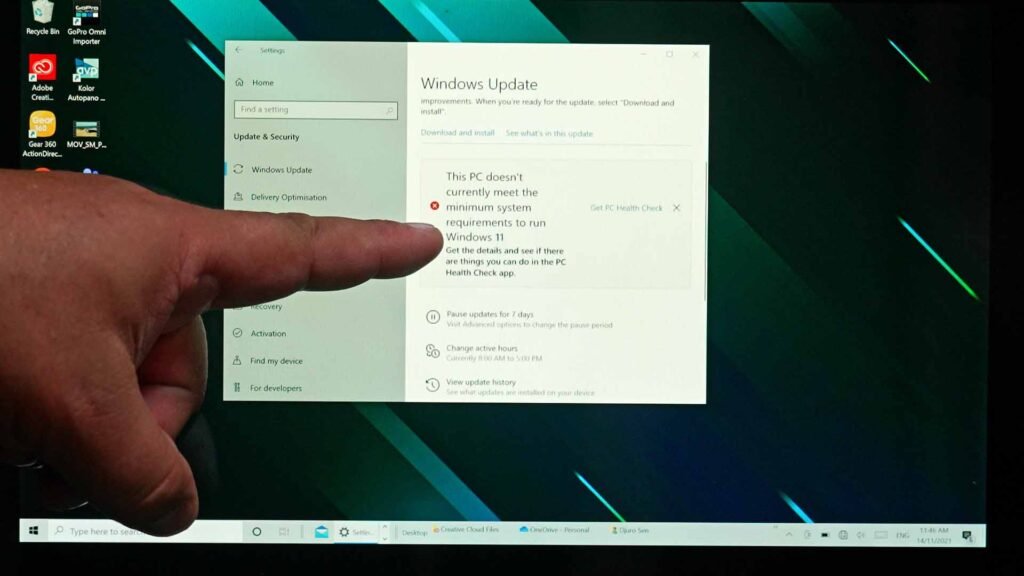
An estimated one billion computers are still running Windows 10 despite reaching end-of-life four months ago. Many users can’t update to Windows 11, leaving their incompatible PCs vulnerable to hackers and viruses. The good news is there are other options.
Installing Linux or even ChromeOS Flex will give new life to computers almost 20 years old. And unlike an unpatched, unserviced Windows 10 machine, you’ll have a secure operating system. These older computers are still good; they just need to stay offline.
WHAT IS LINUX?
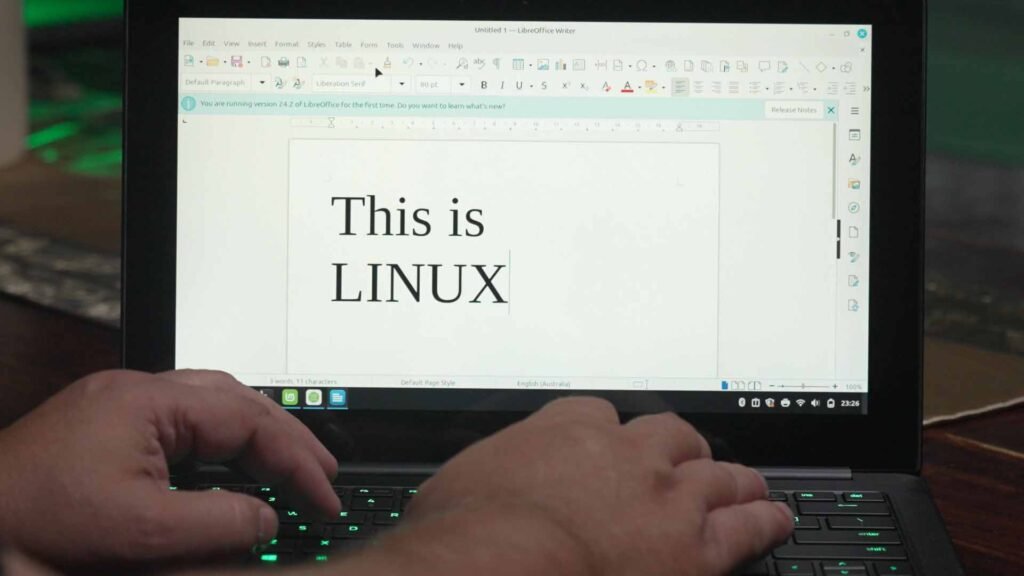
Linux is an open source operating system that comes in many versions called ‘distros’ (distributions). For years, it’s been used on web servers, supercomputers, embedded systems, smartphones (including Android), and desktop computers. Until recently, Linux hasn’t been readily accessible to non-techies. Now there are many options that are very easy to install and, with some offering a Windows-like experience. Best of all… Linux is generally free.
HOW TO GET LINUX?
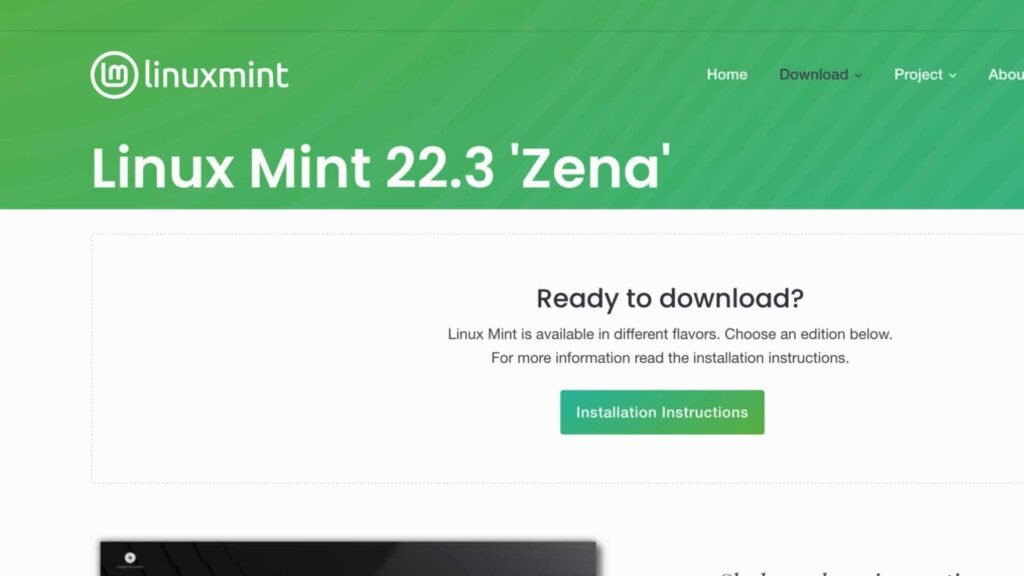
Installing Linux is just like loading any other operating system on your computer. I’m recommending Linux Mint for beginners, but there are other options like Ubuntu Desktop or openSUSE Desktop.
To demonstrate how easy it is to convert to Linux, I downloaded Linux Mint 22.3 Cinnamon Edition. There’s a guide to help you through it, but if you’d like to watch a video explainer, I’ll have one for you soon.
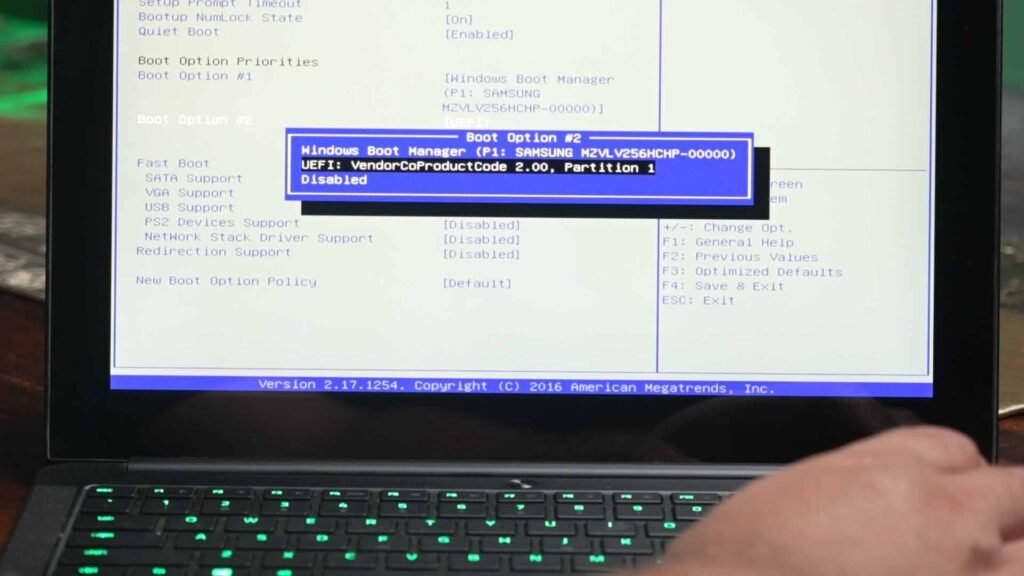
The computer I installed it on was a 2016 Razer laptop. I loved this super light gaming PC, which was good enough for video editing back in the day thanks to its SSD. The whole installation only took around an hour, and there were no issues whatsoever. It found my printer without prompting; all keys, trackpad, and speakers worked perfectly. Now I’m back online securely with this laptop for the first time since 2021.
You can also run Linux on Macs too.
GOOGLE CHROMEOS FLEX
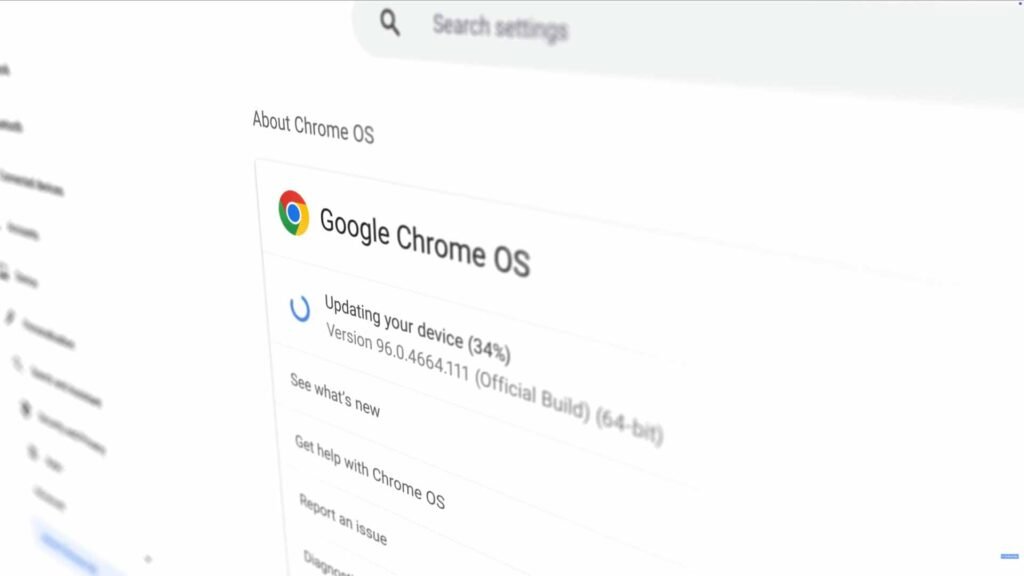
The other option I discussed on Sky News in the video above was Google’s ChromeOS Flex. This OS is built around the Chrome browser, which means it’s snappy on even the oldest PC. Flex will replace your Windows, macOS, or even Linux operating systems.
The experience is very different from Linux. Most of your work happens in the browser using web apps and online storage. It works seamlessly with Google Workspace tools like Docs, Drive, and Gmail, making collaboration easy. While it doesn’t support Android apps like regular Chromebooks do, it handles web apps and even Linux tools just fine. Overall, ChromeOS Flex is a practical, budget-friendly way to refresh old laptops and desktops without buying brand-new devices.
You’ll get automatic updates, and built-in security runs quietly in the background.
WHY THIS MATTERS
These options are good for your wallet and good for the planet. Linux and ChromeOS Flex will keep ‘outdated’ computers running for years to come. These alternative operating systems aren’t perfect replacements for Windows or macOS, but they come close, and in many ways, they are superior, depending on your workflow.
It also gives us – the user – the power to decide when our computers reach end-of-life. That’s the power open source software has when it comes to Linux.
Stay tuned for my demo video showing how to install Linux on a ten-year-old Windows laptop.