
Travelling with a laptop, phone, tablet, handheld gaming device, and smart accessories has become completely normal — but connecting all of them securely to hotel or public Wi-Fi still feels messy. Between captive portals, questionable hotel network security, and the annoyance of signing every single device into the same network, travel connectivity can quickly become frustrating. That’s where the ExpressVPN Aircove Go makes a surprisingly strong first impression.
Rather than treating VPN protection as something you enable device-by-device, the Aircove Go flips the idea on its head: connect everything to your portable router once, and let the router handle the secure VPN connection for every device automatically. Whether you’re in a hotel room, airport lounge, Airbnb, or even tethering from another Wi-Fi network, it creates something that feels much closer to carrying your home network around with you.
Hardware and Setup
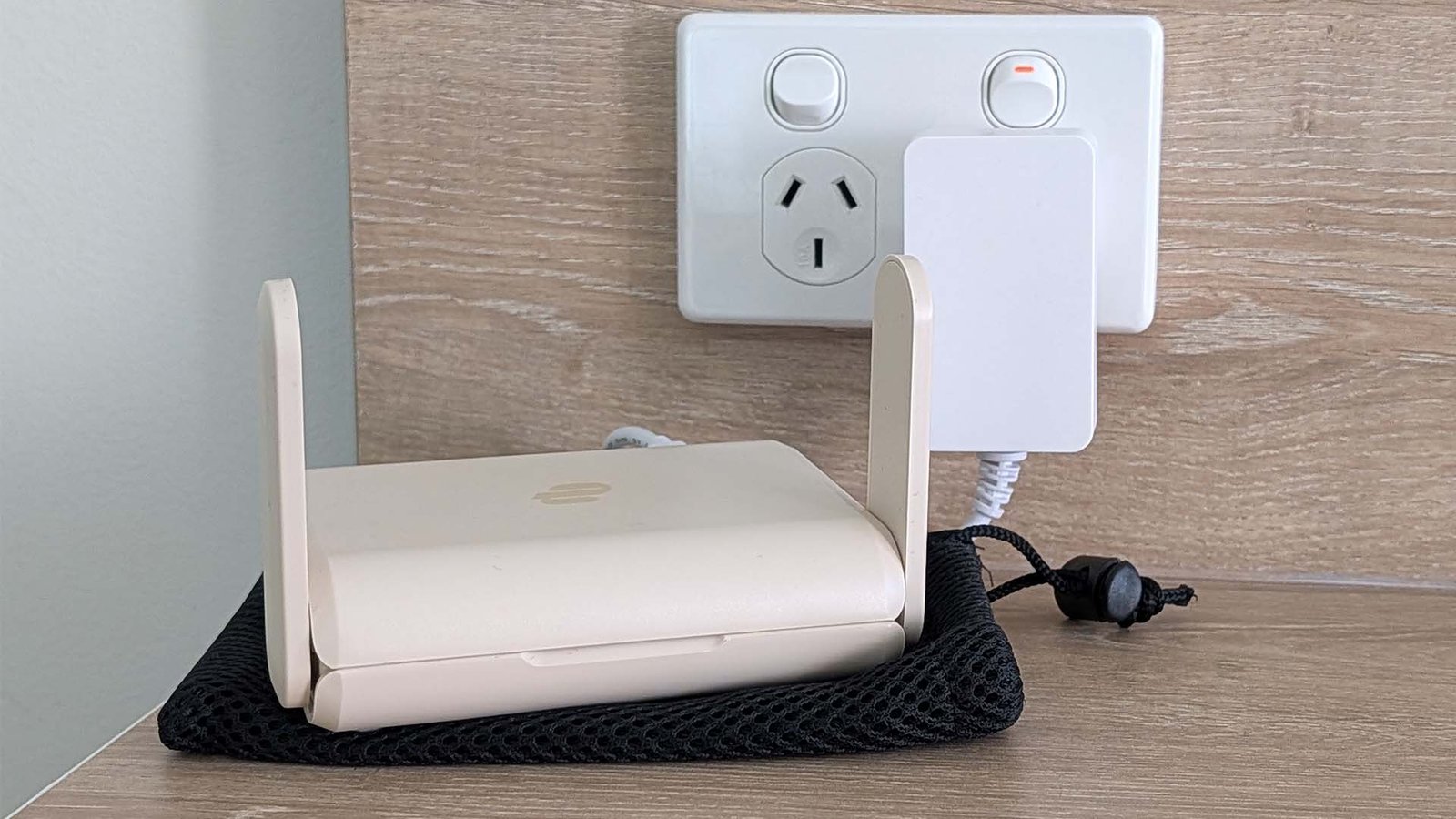
The Aircove Go is smaller than most people expect when they first see it. It’s genuinely travel-friendly — palm-sized, lightweight, and powered by USB-C, which means you can run it from the included wall adapter or even a power bank — as I’ve done multiple times in airports, hotels, and on public Wi-Fi recently — when needed.
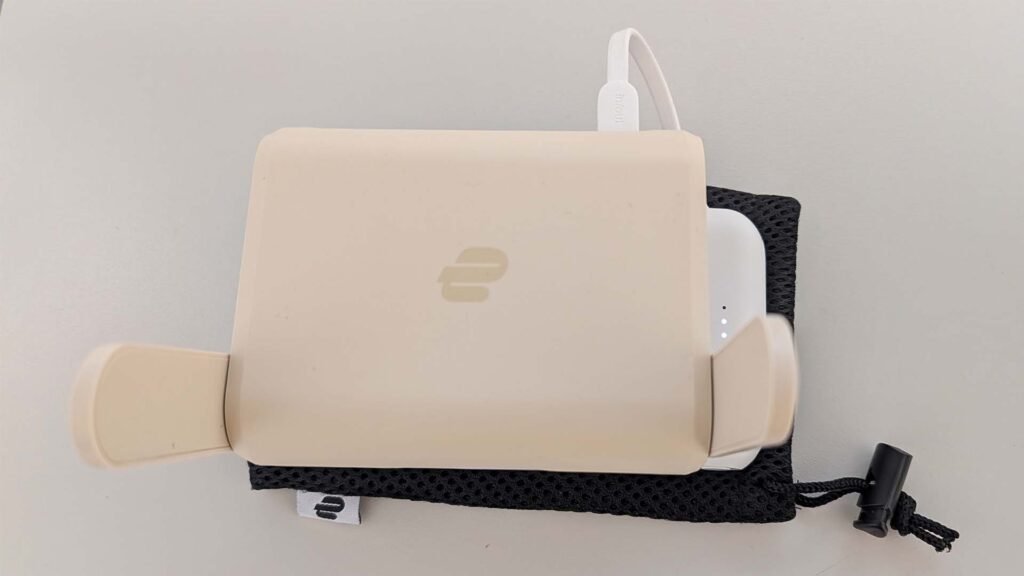
Under the hood, it uses Wi-Fi 6 hardware with dual-band connectivity, supporting both 2.4 GHz and 5 GHz networks. ExpressVPN claims coverage of up to roughly 750 square feet, which is more than enough for a hotel room, apartment, or temporary workspace.
Physically, the router includes WAN and LAN Ethernet ports, but one of the standout features is Wi-Fi Link. Instead of needing to physically plug into hotel Ethernet — something that’s increasingly disappearing anyway — the Aircove Go can connect to an existing Wi-Fi network and rebroadcast it as your own secure network.
Setup is refreshingly straightforward compared to traditional VPN router configurations.
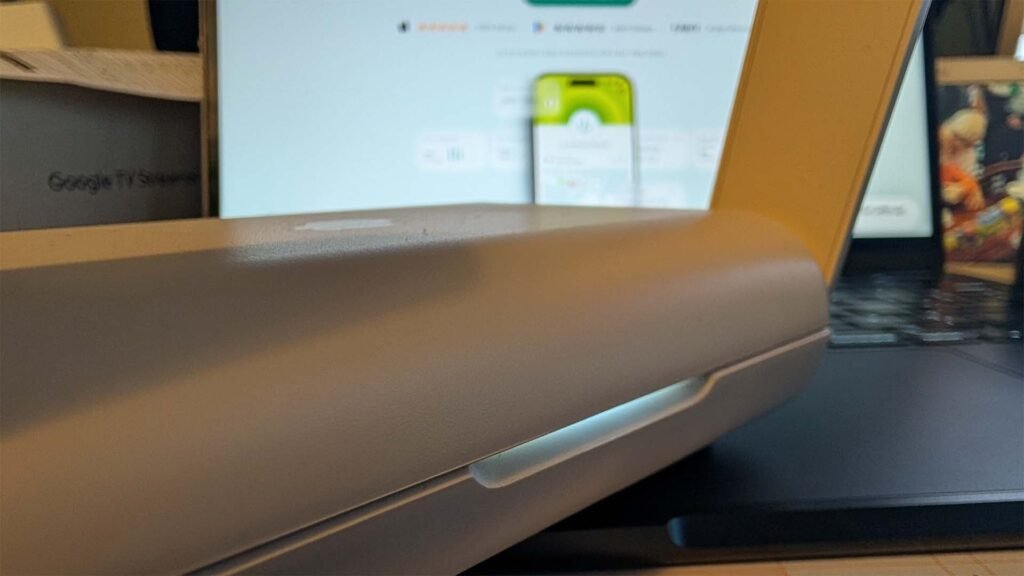
Historically, setting up VPNs on standard routers has involved firmware flashing, compatibility headaches, and configuration menus most people would never willingly touch. Here, ExpressVPN has clearly focused on making the process accessible. Once configured, your devices reconnect automatically whenever the router powers on, and it stores networks you’ve previously connected to, minimising effort if you regularly visit the same locations.
The User Experience
This is where the Aircove Go makes the most sense to me.
Using VPN software on individual devices works fine in theory, but in practice, it becomes inconsistent very quickly. One device disconnects from the VPN. Another doesn’t support VPN apps properly. A smart TV, gaming handheld, Chromecast, or console suddenly sits outside your protected connection altogether.
The Aircove Go solves that problem by making the VPN effectively invisible to the user experience. Devices connect to your private Wi-Fi network as usual, while the router manages the VPN connection in the background.
In day-to-day use, that convenience matters more than the raw specifications.
Hotel Wi-Fi is probably the clearest example. Instead of authenticating five separate devices to the network, you connect the Aircove Go once and everything else simply joins your private network automatically. That “just works” experience is arguably the router’s biggest strength.
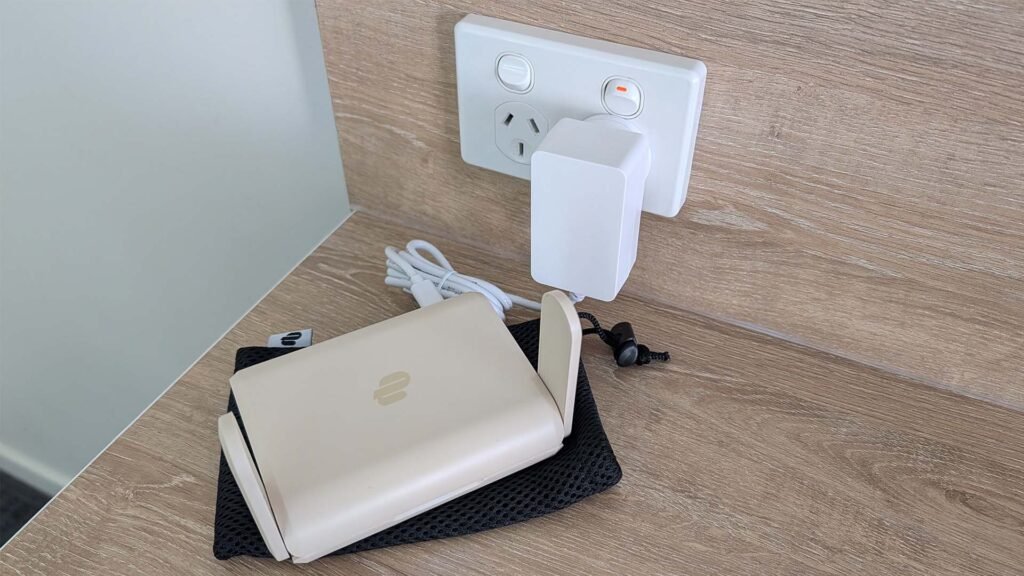
Nb. Captive portals present a barrier in connecting, however, I’ve typically found either a public Wi-Fi or connection available throughout my travels do date.
The management interface is also surprisingly approachable. Features like device grouping, parental controls, ad blocking, VPN bypass groups, and separate VPN locations for different device categories are available without feeling overwhelmingly technical.
Performance-wise, it’s solid rather than revolutionary. Like any VPN-enabled setup, there is some speed overhead involved, particularly depending on server location and hotel internet quality. But for typical travel usage — remote work, streaming, browsing, video calls, and general connectivity — the Aircove Go feels dependable and stable even with 8 or 9 devices connected to it.
What stands out most is how quickly it becomes part of your travel routine. After a few trips, the idea of rebuilding your connectivity setup from scratch in every hotel room starts to feel unnecessarily painful. Being able to power on the Aircove Go, connect it to the available Wi-Fi and have all your devices come online automatically is a genuinely welcome change.
Pricing and Availability
The Aircove Go sits in a more premium category than traditional travel routers, largely because it integrates directly with the ExpressVPN ecosystem rather than acting as generic networking hardware.
Pricing lands around the AUD equivalent of approximately US$170, depending on retailer and regional availability; this is excluding shipping and handling. So you’ll be up for around A$300 depending on the exchange rate at the time of purchase.
It’s important to note that an active ExpressVPN subscription is required to access the built-in VPN functionality. That ongoing subscription cost will likely determine whether the Aircove Go makes sense financially for some users. If you already use ExpressVPN, however, the value proposition becomes much easier to justify.
Availability is primarily through the official ExpressVPN store and selected online retailers, including Amazon.
Conclusion
The Aircove Go feels less like a traditional travel router and more like a travel convenience device for people who care about security without wanting to constantly think about it. Its biggest strength isn’t raw speed or networking complexity — it’s consistency. It creates a familiar, private network experience almost anywhere, while quietly handling the VPN connection behind the scenes for every connected device.
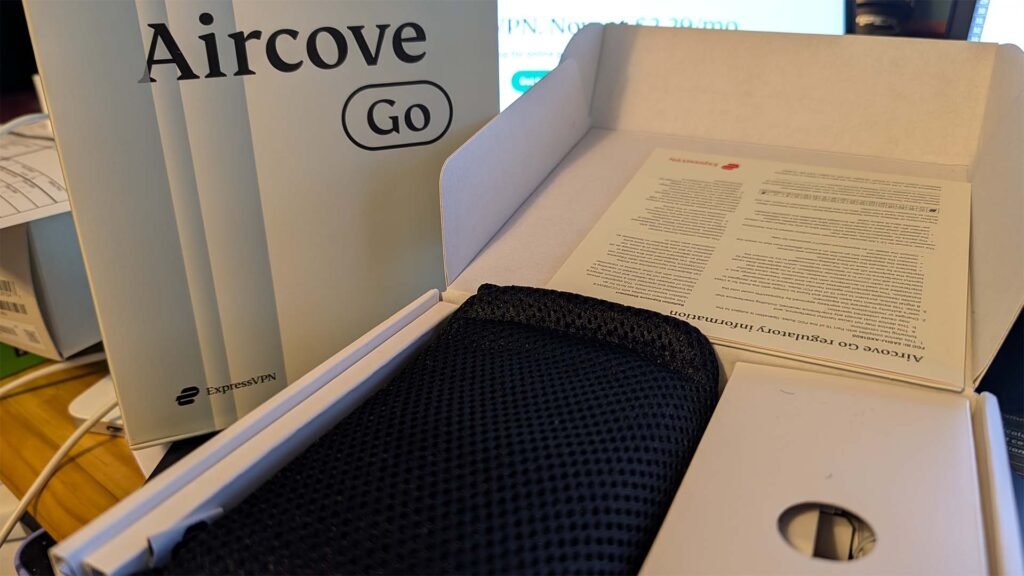
If you travel once a year, the Aircove Go is probably difficult to justify financially. But if you’re regularly working from hotels, carrying multiple devices, or simply tired of reconnecting everything to unfamiliar networks, it quickly becomes one of those products that’s difficult to travel without.
Instead of treating secure networking as another thing to configure every trip, the Aircove Go turns it into something automatic — and honestly, that’s probably the best compliment you can give a product like this.