
Many portable monitors cost several hundred dollars, making them difficult to justify for occasional travel or casual use. That’s where Laser’s new 14-inch Portable Monitor changes the conversation. Rather than chasing premium features, it focuses on delivering the essentials at an incredibly affordable price.
For anyone who regularly works away from the office, portable monitors have become one of those accessories that quickly go from being a luxury to something you don’t want to leave home without. Whether you’re responding to emails from a hotel room, editing photos at a café, or simply trying to avoid constantly switching between applications, having a second display dramatically improves productivity.
Hardware and Design
The first surprise is just how portable the monitor really is. Weighing only 570 grams, it easily goes unnoticed — I forgot that it was in my bag and took it on a brief getaway to Queensland with my family — and measuring little more than a centimetre thick, it easily slips into the same sleeve as a laptop without adding much bulk. Despite the lightweight construction, it doesn’t feel fragile, and the integrated folding stand makes setup quick without needing to carry a separate cover or kickstand.
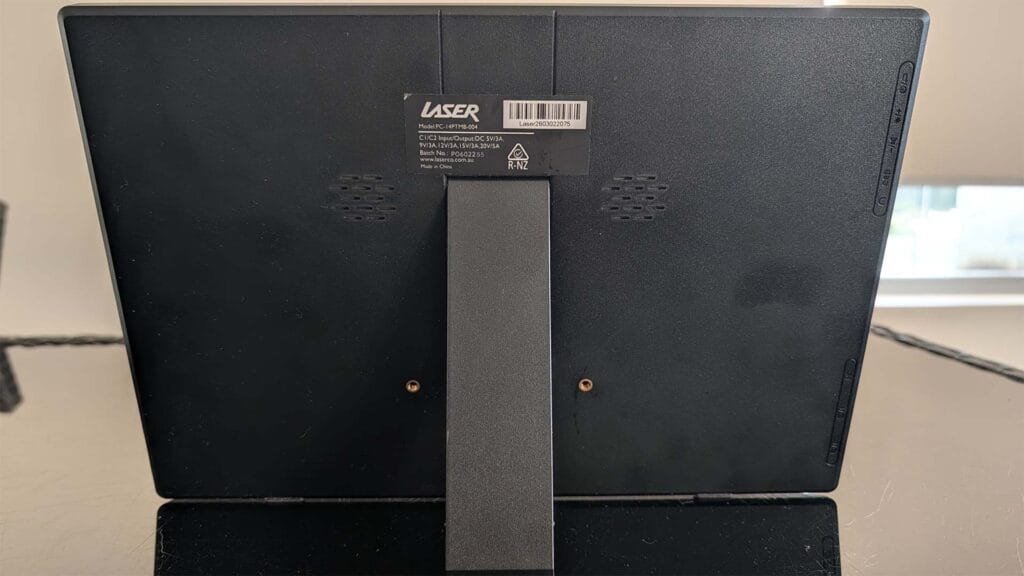
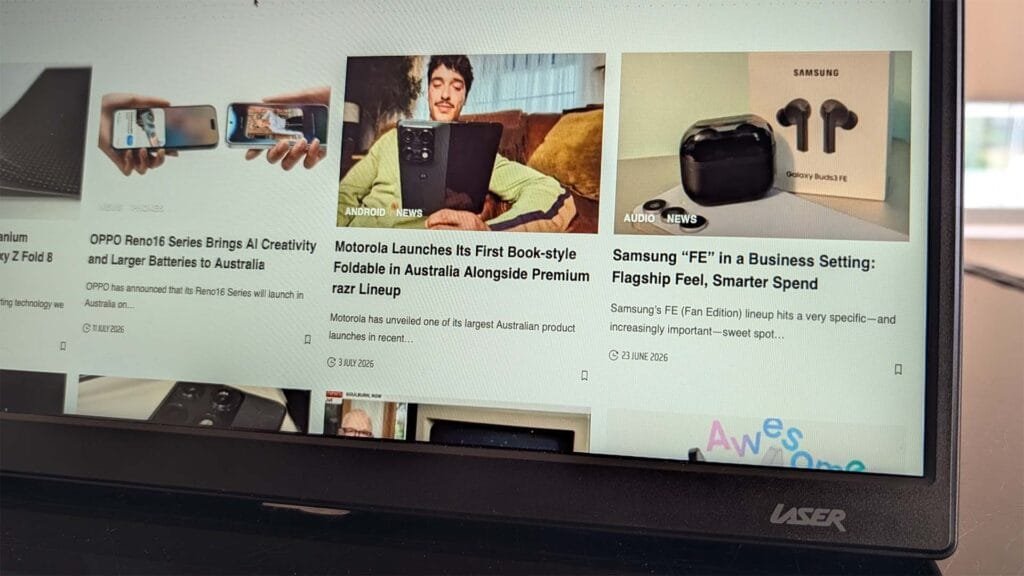
The 14-inch IPS panel uses a 16:10 aspect ratio with a resolution of 1920 x 1200. That slightly taller display compared to traditional Full HD gives you a little more vertical workspace, which makes documents, web pages and spreadsheets noticeably more comfortable to work on. Colours are respectable, text is sharp, and viewing angles are perfectly acceptable for a display that’s designed to sit beside a laptop rather than across a meeting room.
Connection options are refreshingly simple. Modern laptops only require a single USB-C cable to provide power, video and audio, reducing cable clutter considerably. Devices without USB-C video output can instead use the included Mini HDMI connection alongside USB power, making compatibility much broader than that of many budget displays.
The User Experience
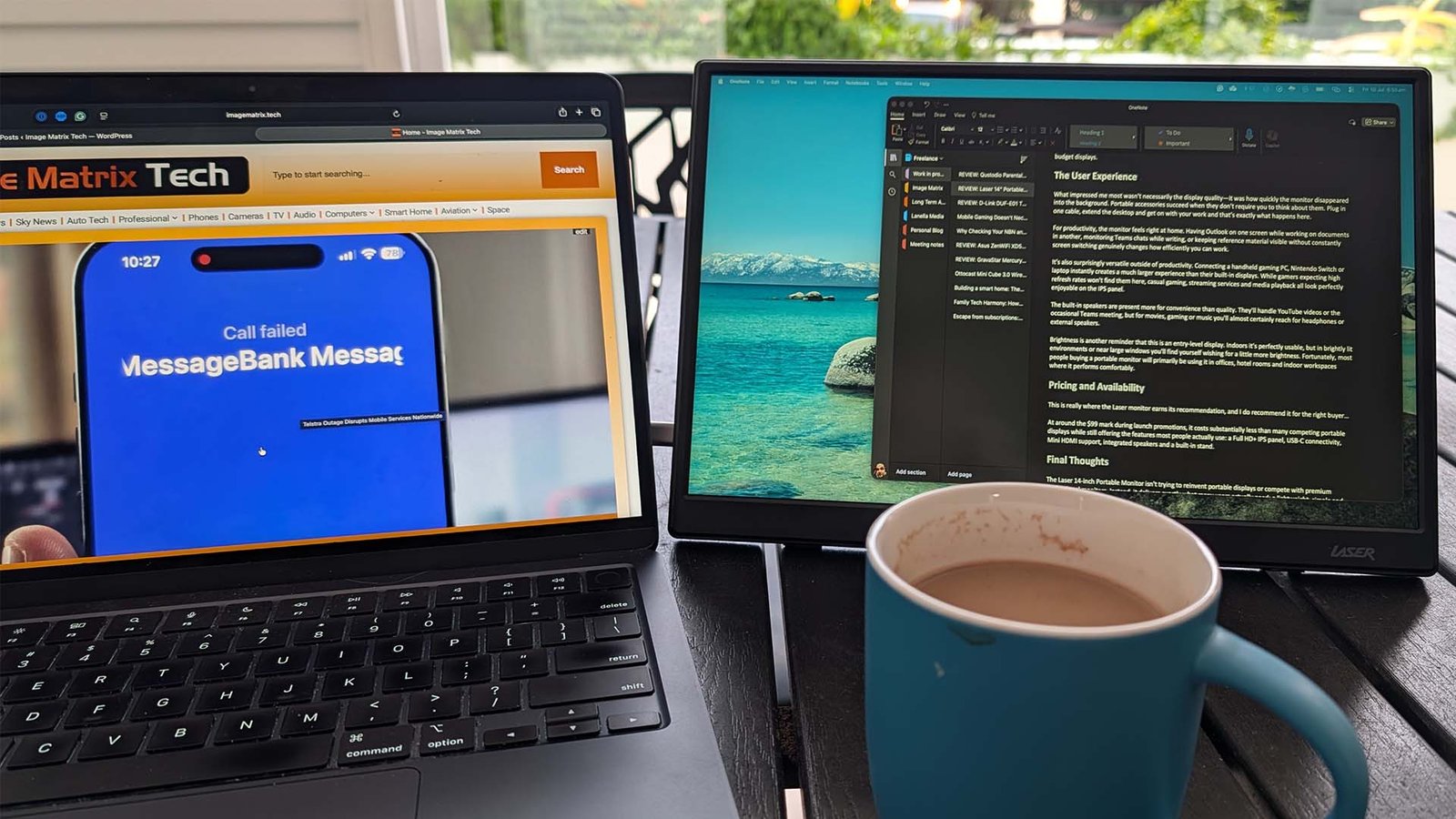
What impressed me most wasn’t necessarily the display quality—it was how quickly the monitor disappeared into the background. Portable accessories succeed when they don’t require you to think about them. Plug in one cable, extend the desktop and get on with your work and that’s exactly what happens here.
For productivity, the monitor feels right at home. Having Outlook on one screen while working on documents in another, monitoring Teams chats while writing, or keeping reference material visible without constantly switching screens genuinely changes how efficiently you can work.
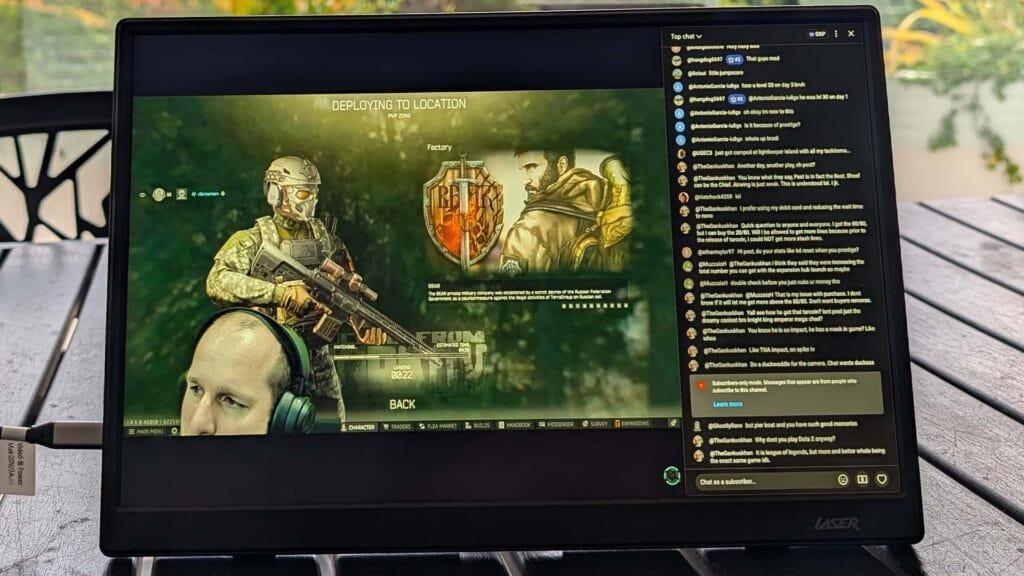
It’s also surprisingly versatile outside of productivity. Connecting a handheld gaming PC, Nintendo Switch or oven a phone/iPad instantly creates a much larger experience than their built-in displays. While gamers expecting high refresh rates won’t find them here, casual gaming, streaming services and media playback all look perfectly enjoyable on the IPS panel.
The built-in speakers are present more for convenience than quality. They’ll handle YouTube videos or the occasional Teams meeting, but for movies, gaming or music you’ll almost certainly reach for headphones or external speakers.
Brightness is another reminder that this is an entry-level display. Indoors it’s perfectly usable, but in brightly lit environments or near large windows you’ll find yourself wishing for a little more brightness. Fortunately, most people buying a portable monitor will primarily be using it in offices, hotel rooms and indoor workspaces where it performs comfortably.
Pricing and Availability
This is really where the Laser monitor earns its recommendation, and I do recommend it for the right buyer…
At an RRP of AU$149 it costs substantially less than many competing portable displays while still offering the core features most people actually use: a Full HD+ IPS panel, USB-C connectivity, Mini HDMI support, integrated speakers and a built-in stand.
Final Thoughts
The Laser 14-inch Portable Monitor isn’t trying to reinvent portable displays or compete with premium professional monitors. Instead, it delivers exactly what many users actually need: a lightweight, simple and affordable second screen that works with no fuss. It’s worth acknowledging that there are compromises. The brightness could be higher, the plastic construction reminds you where the money has been saved, and the speakers won’t replace dedicated audio devices. But none of those drawbacks overshadow what the monitor gets right.

For students, remote workers, frequent travellers or anyone who simply wants extra screen space without spending hundreds of dollars, it’s difficult to argue against the value being offered here. It won’t be the best portable monitor on the market—but it may well be one of the easiest to recommend for people who simply need a second screen that works.