

The Lenovo 14″ Chromebook Plus is consistently positioned as a top-tier contender in the premium Chromebook market. Its appeal centres around a combination of high-end specifications, corporate look and a luxurious user experience, though it commands a price tag reflecting its quality.
PERFORMANCE AND DESIGN
The laptop has a 14-inch WUXGA (1920 x 1200) OLED display with a 16:10 aspect ratio. This screen is the device’s showpiece, offering deep, true blacks, visually vibrant colours, and excellent contrast, making it a great companion for everyday web use and media consumption.
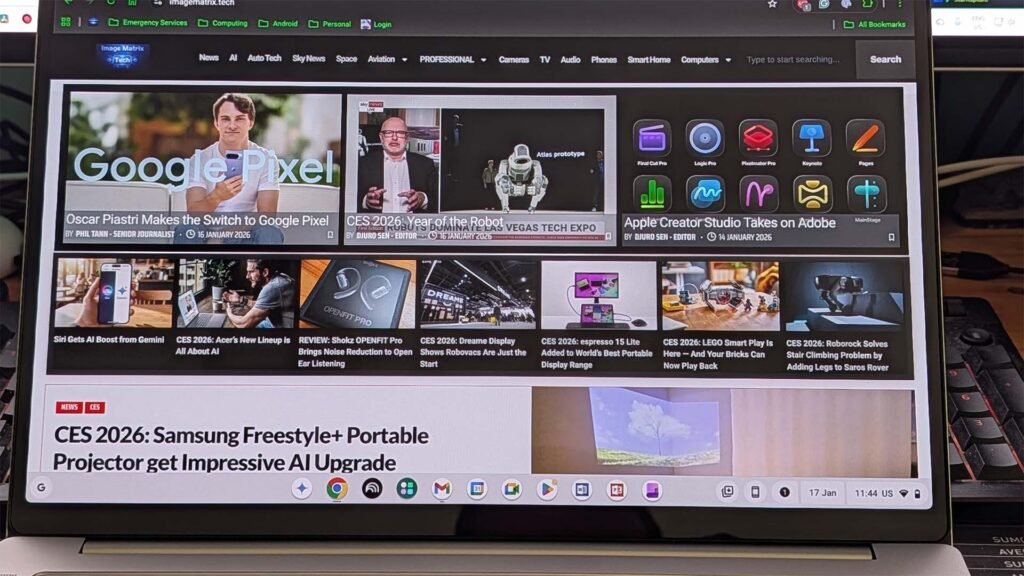
Powering this experience is the MediaTek Kompanio Ultra 910 octa-core processor, a chip that delivers snappy performance for multitasking, demanding Android applications, and even light gaming, when the games are compatible with ChromeOS. The inclusion of a dedicated 50 TOPS Neural Processing Unit (NPU) enhances its status as a “Chromebook Plus,” unlocking advanced Gemini AI features like on-device Magic Editor for photos and sophisticated writing assistance.
There’s 256GB of SSD storage and 16GB of memory, which — given the cloud-connected nature of ChromeOS and the OS’s lightweight nature — is plenty to support daily use and performance.
This strong performance is complemented by outstanding battery life. This is obviously a result of hardware choices and software optimisation, but it is worth noting that when I was using it as a daily driver, I frequently managed a full day of use without charging and measured over 12 hours of streaming video playback consistently.
PREMIUM FEEL AND MULTIMEDIA
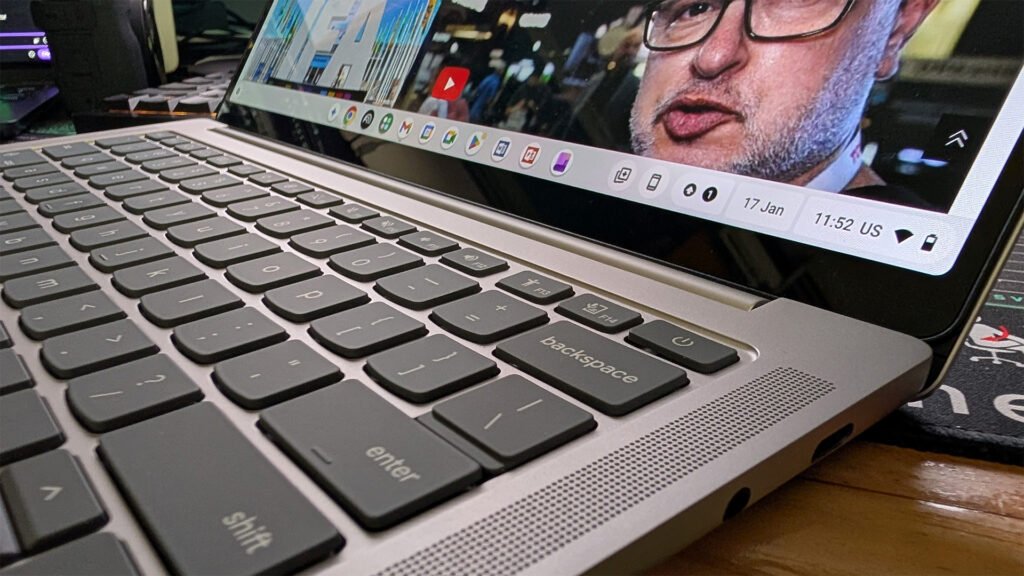
The Chromebook’s design is inherently premium, with a look that rivals corporate-style laptops. It features a thin, light aluminium chassis that gives it a high-end, sleek feel, often compared favourably to more expensive MacBooks. The laptop is also fanless, ensuring quiet operation. For multimedia, the experience is further enhanced by quad speakers supporting Dolby Atmos, which reviewers note for being loud, clear, and punchy. Ergonomically, the device is sound, featuring a smooth, responsive touchpad and a comfortable, backlit keyboard, though some users have noted the keys can feel slightly stiff initially.
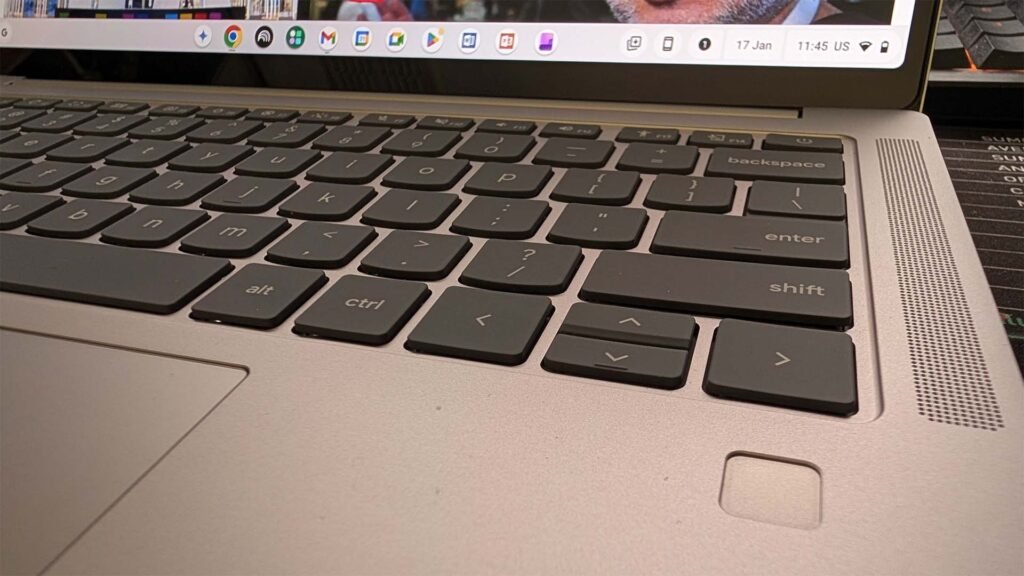
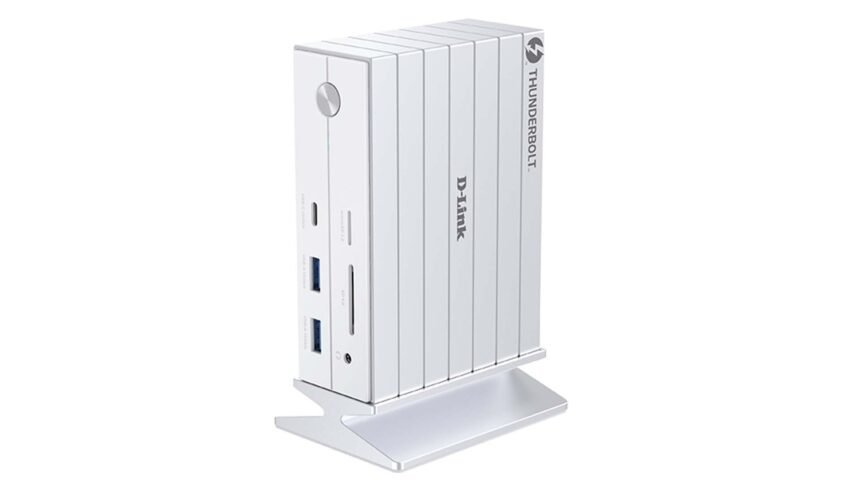
Connectivity, however, is minimal, including just two USB-C ports, one USB-A port, and an audio jack, with no dedicated HDMI. I have a pretty comprehensive desktop setup in my home office, including a dock so this allows me to use the Chromebook Plus on multiple screens and maximise the usability
THE TRADE-OFF: PRICE AND COMPATIBILITY
While the Lenovo 14″ Chromebook Plus excels in virtually every performance and build quality metric, its primary drawback is its price. It sits at the very high end of the Chromebook spectrum, placing it in direct competition with entry to mid-level Windows laptops and MacBooks, which — for some use cases — offer significantly greater software compatibility.
Another consideration for users who rely heavily on complex Linux containers (Crostini) for development work might encounter some compatibility hurdles due to the laptop’s ARM architecture. However, for a user seeking the best possible ChromeOS experience for everyday productivity and media consumption, the Lenovo 14″ Chromebook Plus is considered an excellent and justifiable investment.
PRICING AND AVAILABILITY
The Lenovo 14″ Chromebook Plus is available through Lenovo’s online store, JB Hi-Fi and Officeworks with an RRP of AU$1,199.00, at the time of publishing this review is on special for AU$899.00 at JB Hi-Fi.
CONCLUSION
As a user who typically uses a Pixel as a main phone, the connectivity between Android phones and ChromeOS is akin to that of an iPhone and Macbook; it just makes life easier. A simple glance at your phone, or fingerprint unlock, will also unlock your Chromebook and data is quickly and easily shared.
The reality is that Chromebooks and ChromeOS in general aren’t for everyone. There are, for users who like the Microsoft Office Suite in particular, as well as some other specific programs, some limitations and compatibility issues; some can be overcome by engaging an alternative, but that has the potential to affect workflows and cost money.
If you’re a user who doesn’t need these, is well-engaged in the Google platform, or even using it for business with Google Workspace plans, then this is a really enticing option. The great hardware quality, OS and security updates, coupled with the coverage of daily use needs, make a Chromebook a great choice for a lot of users.